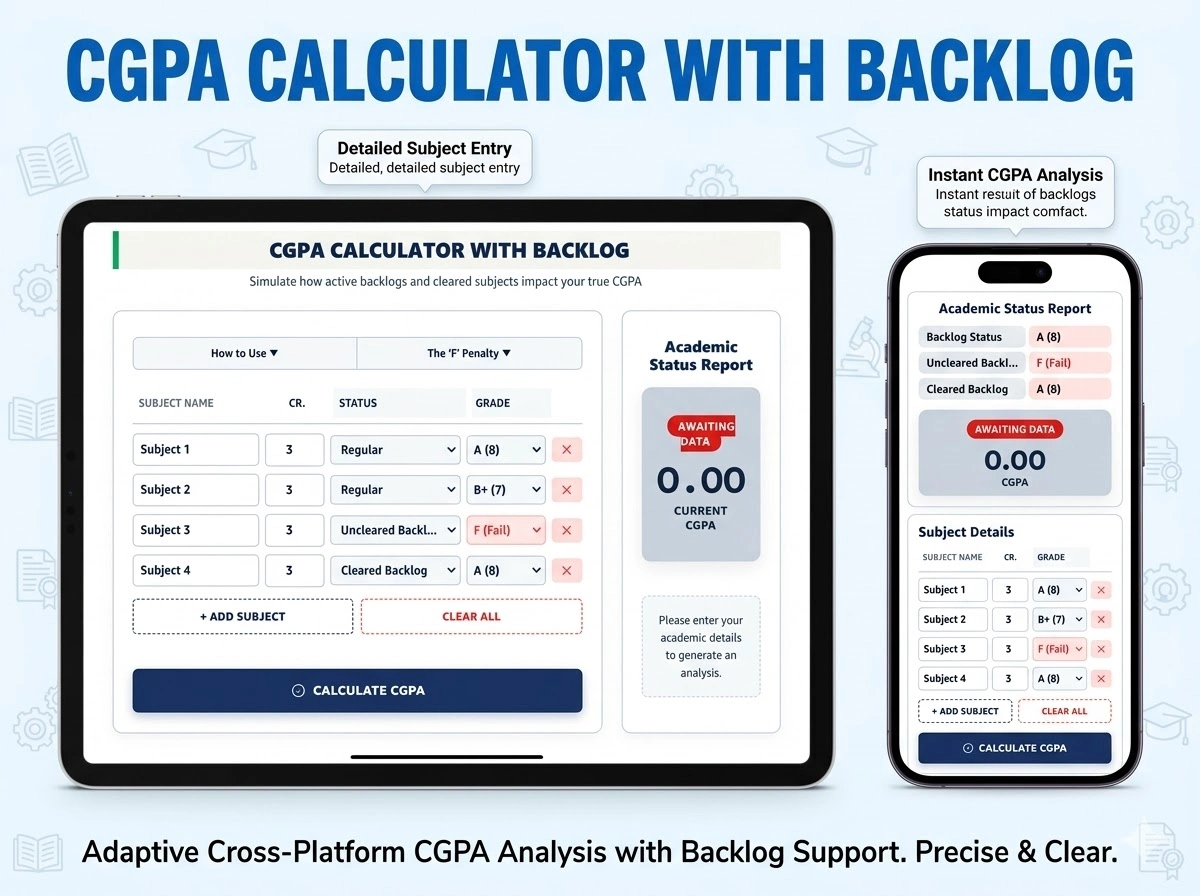
CGPA CALCULATOR WITH BACKLOG
Simulate how active backlogs and cleared subjects impact your true CGPA
- Click + Add Subject for every paper in your semester.
- Enter the Credits assigned to each subject (e.g., 3 or 4).
- Select the Status: Regular, Uncleared Backlog, or Cleared Backlog.
- Select your Grade and click “Calculate CGPA”.
Why Backlogs Destroy CGPA: When you have an Uncleared Backlog, you earn 0 Grade Points. However, the credits for that subject are still added to your total. Dividing by a larger number of credits with zero points severely drags down your average.
Academic Status Report
How To Calculate CGPA With Backlog
Calculating your CGPA when you have backlogs depends entirely on whether the backlog is currently uncleared or has been cleared through a re-exam. A dedicated CGPA calculator with backlog functionality helps you accurately track this mathematical difference.
The Core Formula
The standard formula for CGPA in a credit-based grading system is:
How to Handle Backlogs
1. Uncleared Backlogs:
- Most universities count an uncleared backlog as 0 grade points for that specific subject.
- The credit hours for that subject are still included in the total sum of credits, which significantly pulls down your CGPA because the denominator increases without adding any value to the numerator.
2. Cleared Backlogs:
- Once you pass the re-exam, replace the original “0” or “Fail” grade with your new passing grade.
- Recalculate the CGPA using the new grade points. Some institutions may also include a “penalty” or cap the maximum grade you can get in a backlog paper; check your specific university guidelines.
How To Calculate CGPA With Backlog (Step-by-Step Calculation)
If you have 4 subjects in a semester, each with 3 credits, and one is a backlog:
- Subject A: Grade 8 × 3 credits = 24 points
- Subject B: Grade 7 × 3 credits = 21 points
- Subject C: Grade 9 × 3 credits = 27 points
- Subject D (Backlog): Grade 0 × 3 credits = 0 points
Calculation:
- Total Points: 24 + 21 + 27 + 0 = 72
- Total Credits: 3 + 3 + 3 + 3 = 12
- Current SGPA/CGPA: 72 ÷ 12 = 6.00
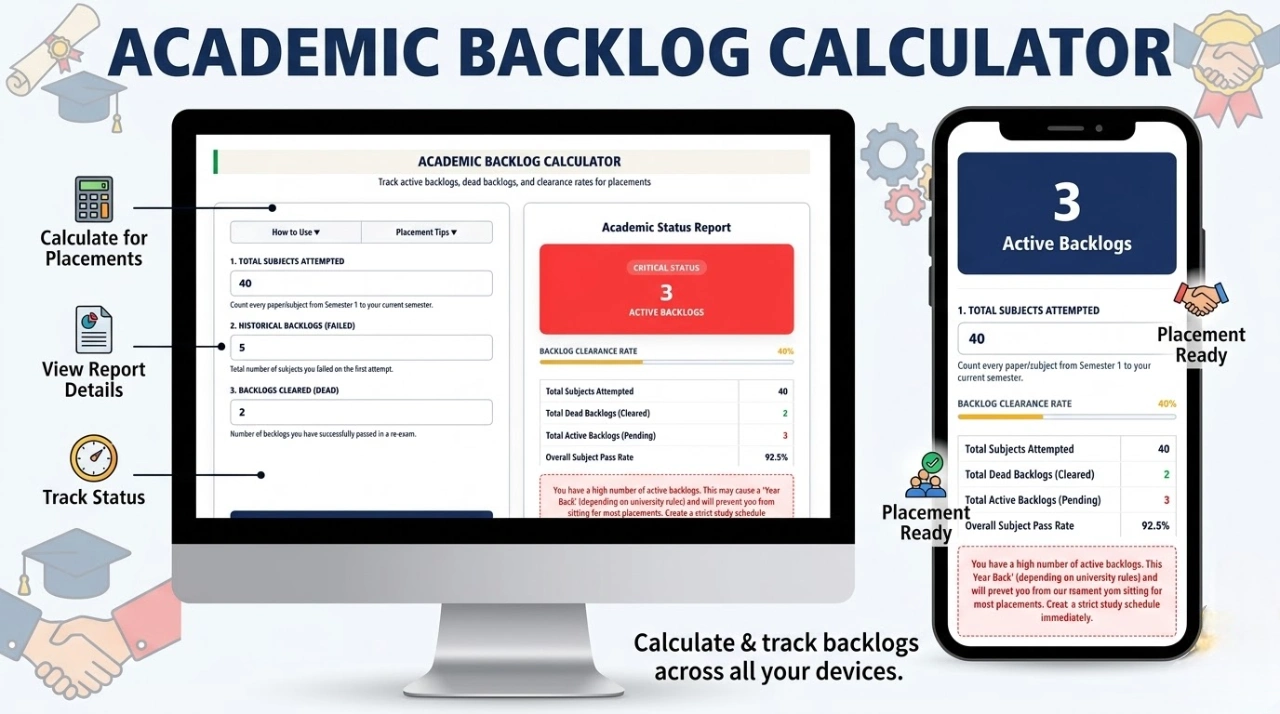
Active Backlogs vs. Dead Backlogs in Placements
When calculating your CGPA for campus placements or higher education admissions, companies and universities look at two different metrics:
| Type of Backlog | Definition | Impact on Placements & CGPA |
|---|---|---|
| Active Backlog (Uncleared) | A subject you have failed and have not yet passed. | Drags current CGPA down. Most top-tier companies forbid students with active backlogs from interviewing. |
| Dead Backlog (Cleared) | A subject you previously failed, but have since passed in a re-exam. | CGPA is restored. Many companies accept 1-2 dead backlogs, provided the restored CGPA is above their cutoff. |
Frequently Asked Questions (FAQs)
Does an ‘F’ grade reduce my earned credits?
Yes. If you fail a 4-credit subject, those 4 credits are not added to your “Earned Credits” total. You must clear the subject to officially earn those credits and meet your university’s minimum graduation requirements.
What CGPA is required for tier-1 campus placements?
Most top-tier IT and core engineering companies require a strict minimum CGPA of 7.0 (often 7.5 for FAANG-level companies), combined with exactly 0 Uncleared Backlogs.
Is a cleared backlog indicated on my final degree?
Your final, consolidated degree certificate usually only displays your final CGPA and graduation class. However, the initial failure and the subsequent supplementary pass will be highly visible on the individual semester mark sheets.