DECRYPT BCRYPT PASSWORD ONLINE
Complete Generator & Verifier Tool
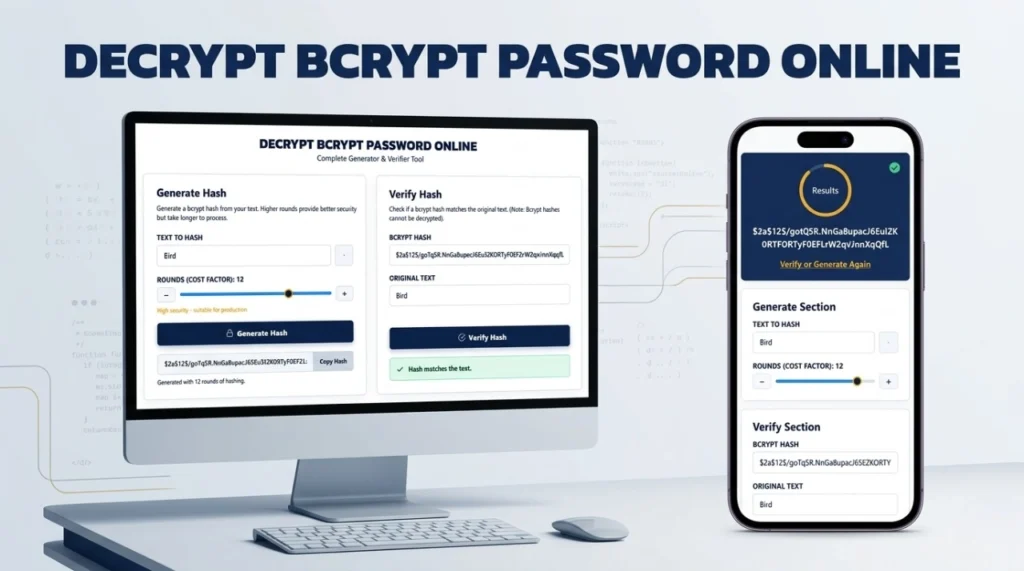
Generate Hash
Generate a bcrypt hash from your text. Higher rounds provide better security but take longer to process.
Verify Hash
Check if a bcrypt hash matches the original text. (Note: Bcrypt hashes cannot be decrypted).
Can You Decrypt a Bcrypt Password Online?
If you are searching for a way to decrypt bcrypt password online, you will quickly run into a fundamental law of cryptography: Bcrypt is a one-way hashing algorithm, not an encryption cipher. It is mathematically impossible to decrypt it.
Unlike encryption—which locks data with a key that can be used to unlock it later—hashing scrambles data irreversibly. The only way to find out what password is hidden behind a bcrypt hash is to guess the password, hash it, and see if the two hashes match. Our dual bcrypt online tool above allows you to both generate these secure hashes and securely verify guesses against them.
What is Bcrypt Hash Generator?
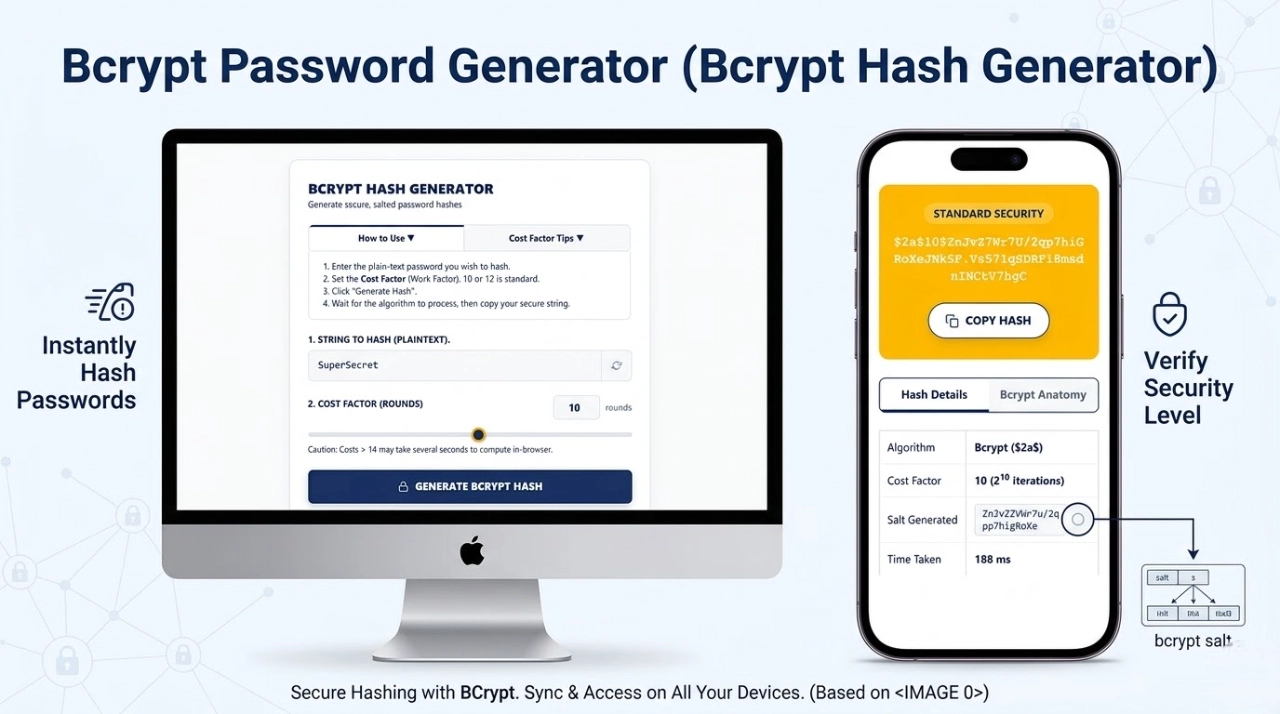
A bcrypt hash generator is an essential security tool used by software developers to securely transform plain-text passwords into irreversible character strings before storing them in a database. As a reliable password hash generator, it ensures that even if a database is breached, the original passwords remain safe.
How Bcrypt Password Hashing Works
Bcrypt achieves secure password hashing by integrating two critical defense mechanisms:
- Automatic Salting: A random 128-bit string (the salt) is generated and added to your password. This ensures that even if two users have the same password, their hashes will look completely different.
- Key Stretching: The algorithm runs through a complex mathematical loop multiple times, intentionally slowing down the process to prevent rapid hardware guessing.
Generate Bcrypt Hash Online (Step-by-Step)
Using our bcrypt password generator is fast and operates entirely within your browser for maximum privacy:
- Type your plain-text password into the “Text to Hash” field on the left panel.
- Adjust the “Rounds (Cost Factor)” slider.
- Click the Generate Hash button.
- Use the “Copy Hash” button to save your secure string.
How to Verify a Bcrypt Password
Because you cannot decrypt the hash, systems authenticate users via verification. Here is how you use the “Verify Hash” panel on the right:
- Paste your stored 60-character bcrypt hash into the top field.
- Type your suspected plaintext password into the bottom field.
- Click Verify Hash. The tool will extract the salt and cost factor from your hash, apply them to your text, and compare the results to see if they match.
What is Cost Factor in Bcrypt?
The “Cost Factor” (Rounds) determines how many iterations the algorithm runs, operating on a logarithmic scale of $2^N$. A cost factor of 10 means the algorithm iterates $2^{10}$ (1,024) times. Bumping it to 12 means $2^{12}$ (4,096) iterations. This intentional delay makes brute-force attacks by hackers using GPUs mathematically unfeasible.
Bcrypt Hash Format Explained
Every hash produced is exactly 60 characters long. For example: $2a$12$N9qo8uLOickgx2ZMRZoMyeIjZAgcfl7p92ldGxad68LJZdL17lhWy
- $2a$: The algorithm identifier.
- 12$: The Cost Factor.
- Next 22 chars: The 128-bit Cryptographic Salt.
- Final 31 chars: The Computed Hash output.
Benefits of Using Bcrypt for Password Security
The main benefit of bcrypt is its resistance to modern hardware attacks and Rainbow Tables. Because developers can scale the cost factor up as computers get faster, bcrypt remains “future-proof,” keeping stored credentials safe for decades.
Bcrypt vs Other Hashing Algorithms
| Algorithm | Processing Speed | Security Posture | Best Use Case |
|---|---|---|---|
| MD5 / SHA-1 | Extremely Fast | Compromised | File checksums only. Never for passwords. |
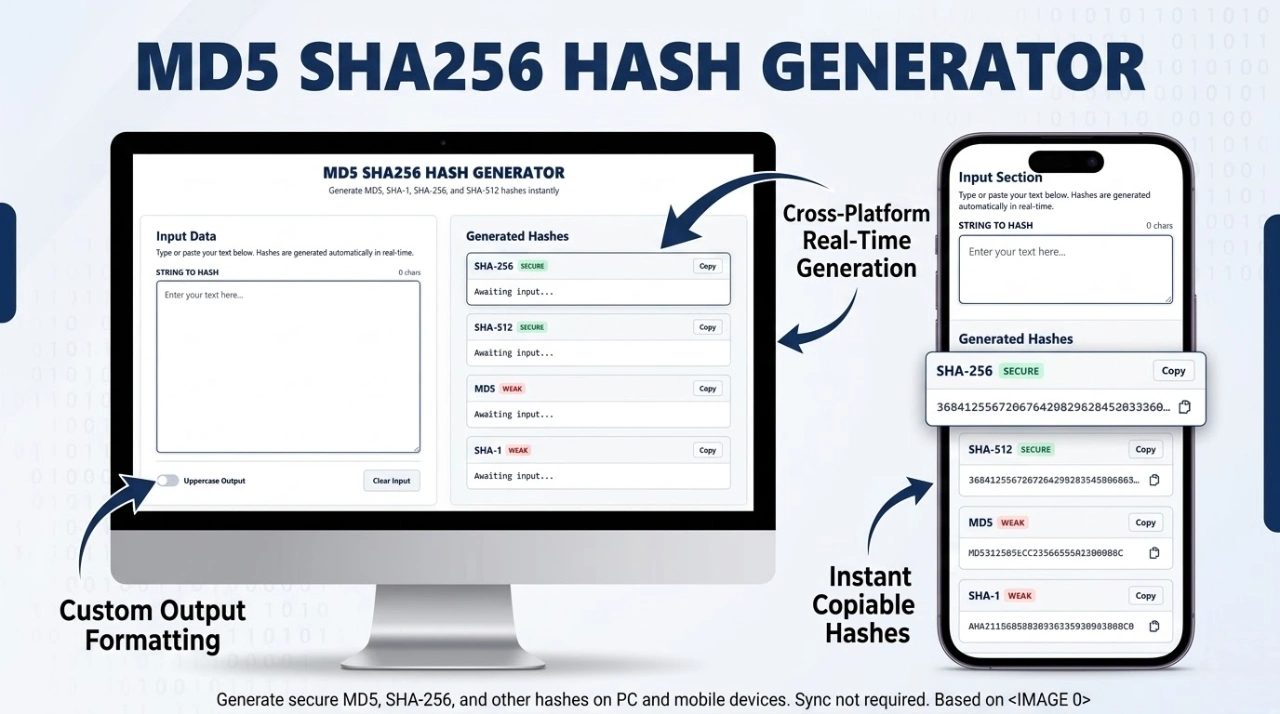
| SHA-256 | Very Fast | Moderate | Data integrity, digital signatures. |
| Bcrypt | Intentionally Slow | Highly Secure | User password storage and authentication. |
Features of Our Bcrypt Hash Generator Tool
- 100% Client-Side Privacy: Computations happen locally in your browser. No server calls are made.
- Asynchronous Processing: High cost factors won’t freeze your browser.
- Unified Interface: Generate and verify hashes seamlessly on the same page.
When Should You Use Bcrypt?
You should use bcrypt whenever you are developing a web application, API, or database that stores user credentials. It is natively supported in almost all major programming languages including Node.js, Python, PHP, Java, and Ruby.
Is Bcrypt Secure for Modern Applications?
Yes. Introduced in 1999, bcrypt remains an unshakeable industry standard. While newer memory-hard algorithms like Argon2 exist, bcrypt’s scalable cost factor and extensive battle-testing make it definitively secure for modern web applications.
Common Uses of Bcrypt Hashing
- Securing user login tables in SQL/NoSQL databases.
- Securing API tokens and application secrets.
- Default authentication routing in frameworks like Laravel and Spring Security.
Tips for Creating Strong Passwords Before Hashing
If a user chooses “password123”, even bcrypt can be cracked quickly via a dictionary attack. Ensure your users create long passphrases (16+ characters). You can generate high-entropy strings using our Secure Password Generator before running them through the bcrypt algorithm.
Limitations of Bcrypt Algorithm
Bcrypt truncates passwords at exactly 72 bytes. If a user inputs a password longer than 72 characters, the excess is ignored. To bypass this safely, developers often pre-hash passwords with SHA-256 before applying bcrypt.
Frequently Asked Questions (FAQs)
Is there any tool that can decrypt bcrypt hashes?
No. Any website claiming to “decrypt” bcrypt is actually just executing a brute-force dictionary attack or referencing a pre-cracked database (rainbow table). They are not reversing the mathematics.
Is it safe to test my real passwords here?
Yes. Our password hash generator runs entirely locally via Client-Side JavaScript. Your text and hashes are never transmitted over the internet or saved to our servers.
What cost factor should I use?
For modern applications, a cost factor of 10 to 12 provides an optimal balance between high security and acceptable login response times for users.
Expertise & Authoritative References (E-E-A-T)
To ensure maximum security compliance, the logic behind our generator and verifier adheres to strict guidelines from leading cybersecurity authorities:
- OWASP Password Storage Cheat Sheet: The industry-standard guide for utilizing Bcrypt for safe credential handling.
- NIST Digital Identity Guidelines: The National Institute of Standards and Technology requirements for verifier storage and memory-hard cryptographic functions.